What is Rev Up IQ?
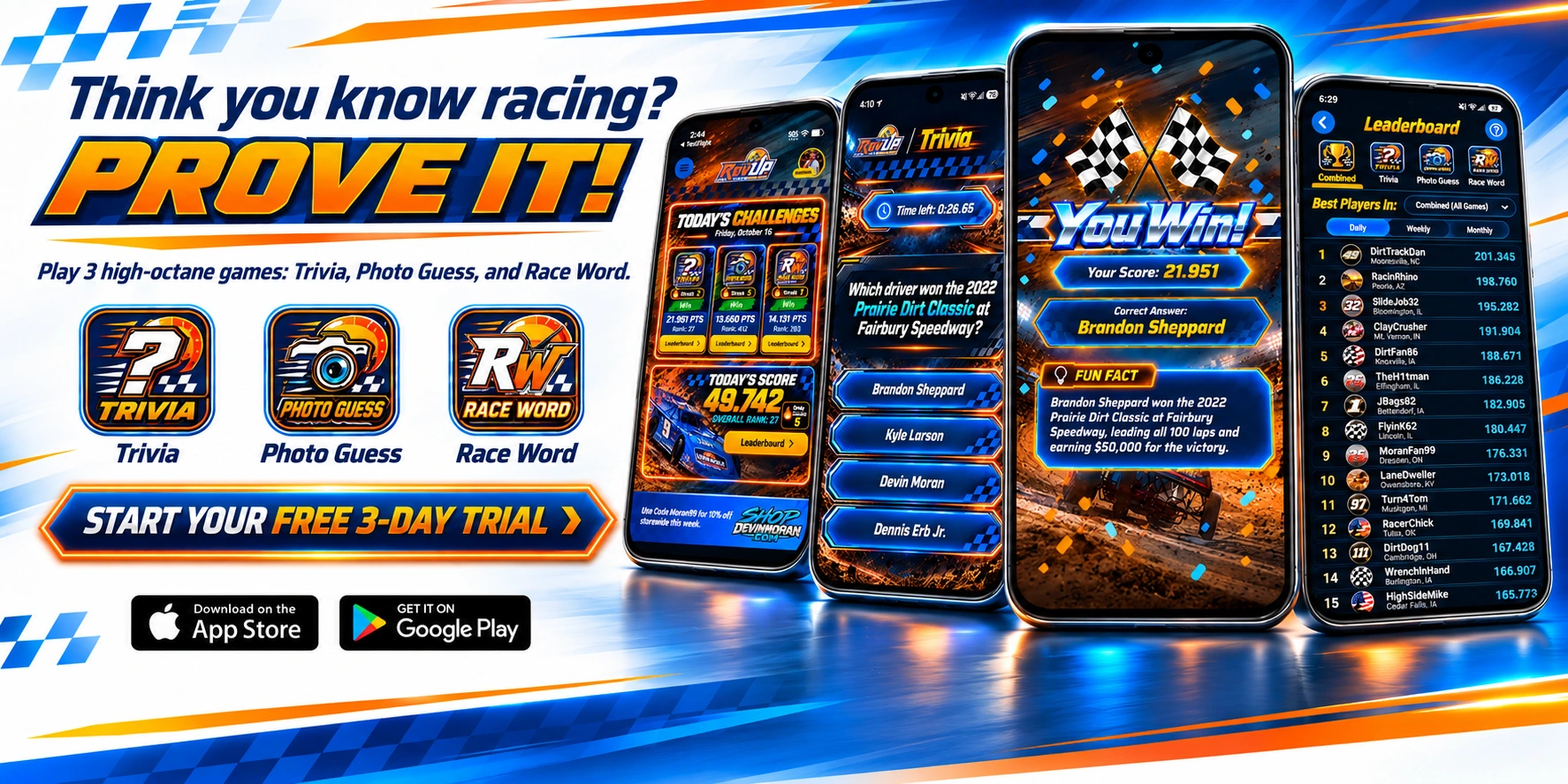
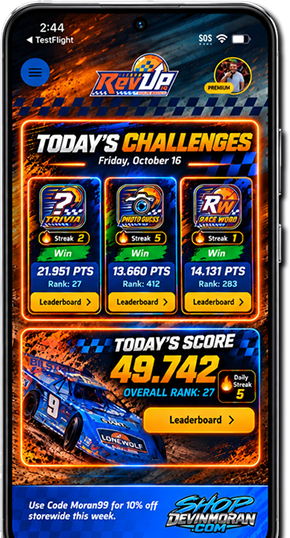
Rev Up IQ is a daily racing-knowledge challenge for grassroots motorsports fans. Pick a racing division, play Trivia, Photo Guess, and RaceWord, earn points, build streaks, and compare your results on the leaderboards.
What are the three games?
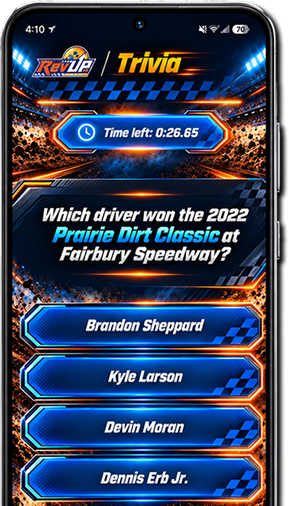
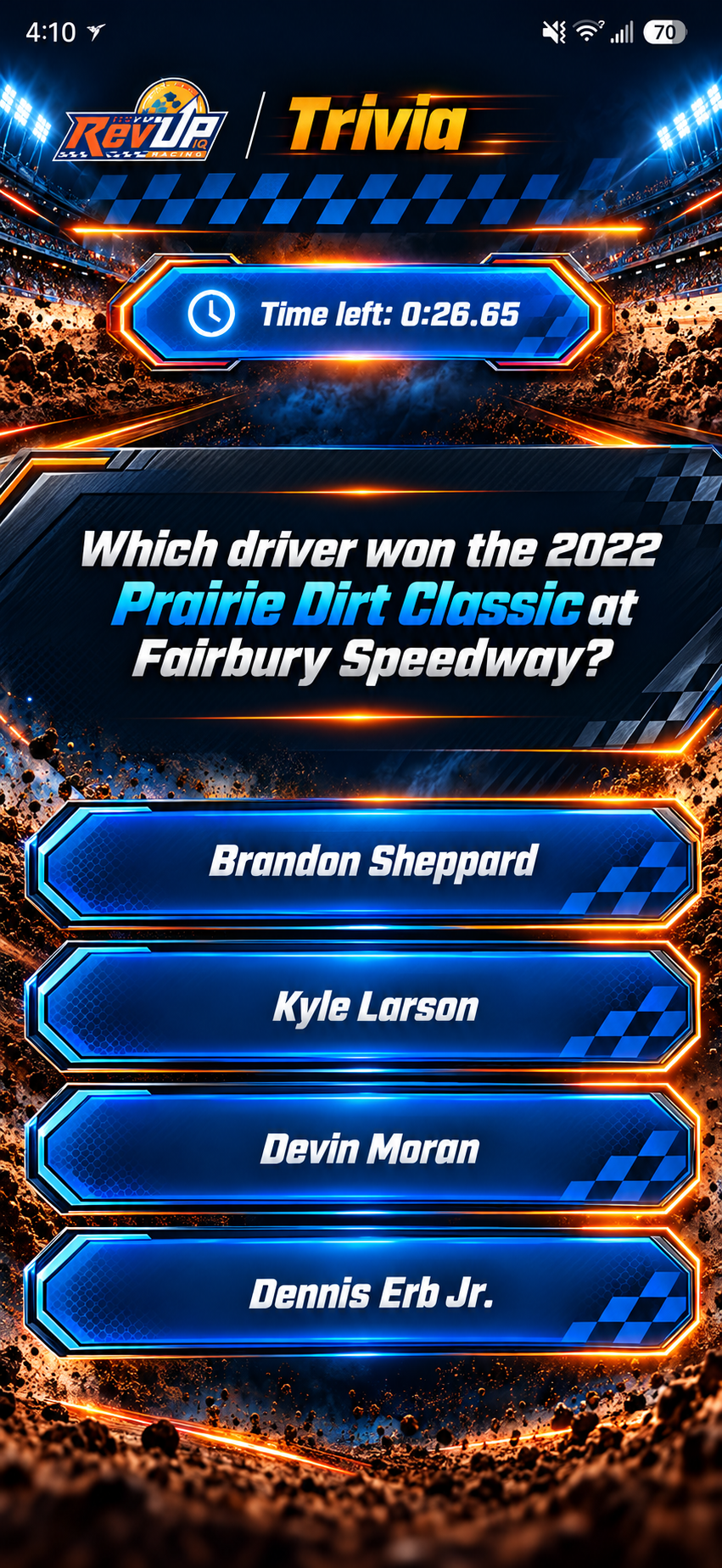
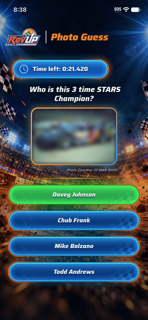
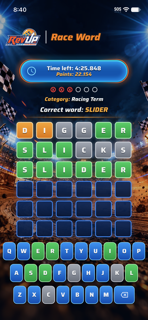
Trivia asks questions about racing drivers, tracks, events, teams, and history. Photo Guess challenges you to identify the driver or car as a photograph becomes clearer. RaceWord gives you a hidden racing-related word to solve.
How does the 3-day free trial work?
Download the app, select a racing division, and start its eligible 3-day free trial. You get access to all three daily games in that division during the trial. Cancel in the Apple App Store or Google Play before the trial ends if you do not want the annual subscription to begin.
How much does Rev Up IQ cost?
Each racing division has its own annual subscription. The app currently lists $9.99 per year for a division after an eligible 3-day free trial. You will see the current price and renewal terms in the App Store or Google Play before confirming your subscription.
Can I play all three games each day?
Yes. Each subscribed racing division features a new Trivia, Photo Guess, and RaceWord challenge every day. You can play each daily challenge once in that division, so make your attempt count.
Can I play more than one racing division?
Yes. Divisions have their own daily games, scores, and leaderboards. You can subscribe to additional divisions separately and play the challenges for each division you have access to.
How are points calculated?
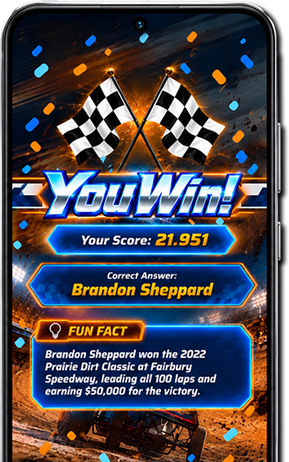
In Trivia and Photo Guess, a correct answer earns a score based on the time remaining on the clock; incorrect answers deduct time. In RaceWord, your score starts at 30 points and decreases by 1 point for each 12 seconds elapsed. Scores are displayed to three decimal places.
How do subscriptions work?
Division subscriptions are billed annually through Apple App Store or Google Play and renew automatically unless canceled. To avoid a renewal charge, cancel at least 24 hours before your renewal date. Your store account handles billing and renewal management.
How do I cancel my subscription?
Open Profile Settings in Rev Up IQ and choose Cancel Subscription, or manage the subscription directly in your Apple or Google Play account. To avoid a charge after a free trial, cancel before the trial ends. Deleting the app by itself does not cancel a subscription.
What happens when my free trial ends?
Unless you cancel before your trial ends, the selected division’s annual subscription begins at the price shown when you signed up. Trial availability is subject to store eligibility, and the purchase screen always shows the applicable terms.
Can I delete my account?
Yes. In the app, open Profile Settings and tap Delete Account. Account deletion does not automatically cancel a subscription managed by Apple or Google Play, so cancel any active store subscriptions before deleting your account.
How can I update my profile?
Open your Profile and tap the Settings icon. From there, you can update available profile information such as your name, birthday, gender, profile photo, and social links.
I’m not receiving a verification code. What should I do?
Confirm that you entered the correct phone number or email address, allow a minute for delivery, and tap Resend. If the code still does not arrive, contact Rev Up IQ Support for assistance.
Is Rev Up IQ available on iPhone and Android?
Yes. Rev Up IQ is available in the Apple App Store and on Google Play. Use the download buttons on this page to open the official listing for your device.
Where do I download the app?
Select Start Free Trial anywhere on this page and choose either the App Store or Google Play from the popup. Download the app, select a racing division, and follow the in-app instructions to get started.
Do you offer family sharing?
Family-sharing availability depends on the subscription settings offered by the App Store or Google Play. Check the specific subscription’s store details before subscribing if family sharing is important to you.
I’m having technical issues. What should I try?
Check that you have the latest version of Rev Up IQ installed, then fully close and reopen the app. If the issue continues, contact Support with a description of what happened and the device you’re using.
 FULL EXPLAINER VIDEO